What is a popup timer?
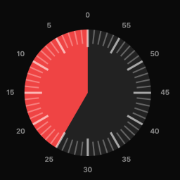
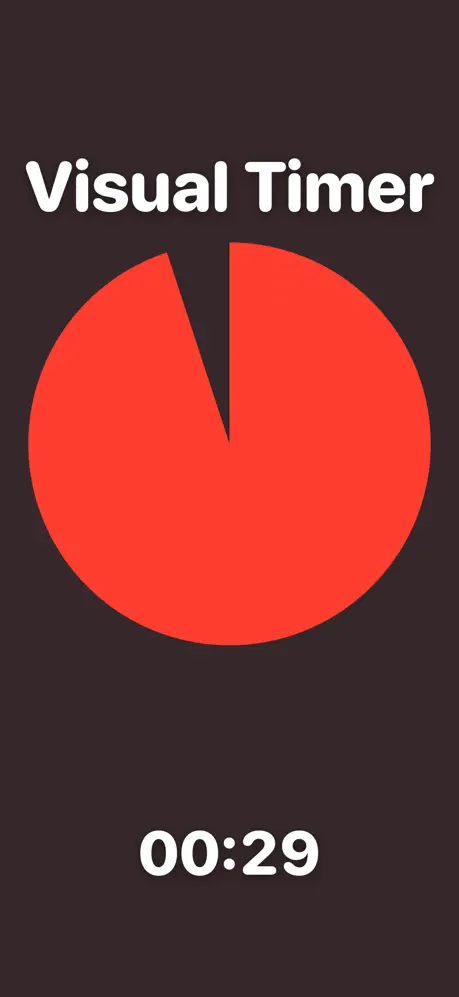
A popup timer is a countdown (or stopwatch) that lives in its own small window instead of a browser tab. You can drag it to a corner of your screen and keep it there while you write, code, present or join a call, so the time left is always visible without switching tabs. The window shows the same shrinking circle as our visual timer, so you can read it at a glance. Untick Show circle if you only want the numbers.
How to use it
- Pick Timer or Stopwatch. For a countdown, type hours, minutes and seconds or tap a preset.
- Add a name if you like. It shows above the clock and in the window title, which helps when you have more than one going.
- Press Pop out timer. A small window opens. Start, pause and reset it right there, or press Space.
- Close the pop-up when you're done. The timer comes back to this page with the time it had left.
Always on top, or a separate window
In Chrome, Edge and Opera on a computer, Pop out timer uses the browser's picture-in-picture window. It stays on top of every other app, even when you click away, but it closes if you close this tab. Open in new window works in every desktop browser. That window keeps running on its own even if you close this page, but other windows can cover it. On phones and tablets, browsers open pop-ups as a new tab, so the timer on this page is the better choice there.
Share a ready-made timer
Press Copy link to get a link with your settings saved in it: the mode, the time, the name and the beep. Anyone who opens it gets the same timer, ready to pop out. Tick Shared link starts right away and the timer starts as soon as the link opens. Bookmark a link for each timer you use often, like a 25-minute focus block or a 3-minute tea.
Good for
- Focus sessions and Pomodoro blocks while you work in other apps
- Timing meetings, standups and talks while sharing your screen
- Online classes, where the timer stays visible over slides or video
- Cooking, laundry or a break reminder while you're at the computer
- Timing tasks or billable work with the stopwatch
Want the time in your browser tab instead? Try the timer in a tab. Need several at once? Use multiple timers, or browse all timers.