How to Use the Time Card Calculator
Enter your start time, end time, and break duration for each day of the week. The calculator automatically computes your daily hours worked and weekly totals. Add your hourly rate to see your estimated pay.
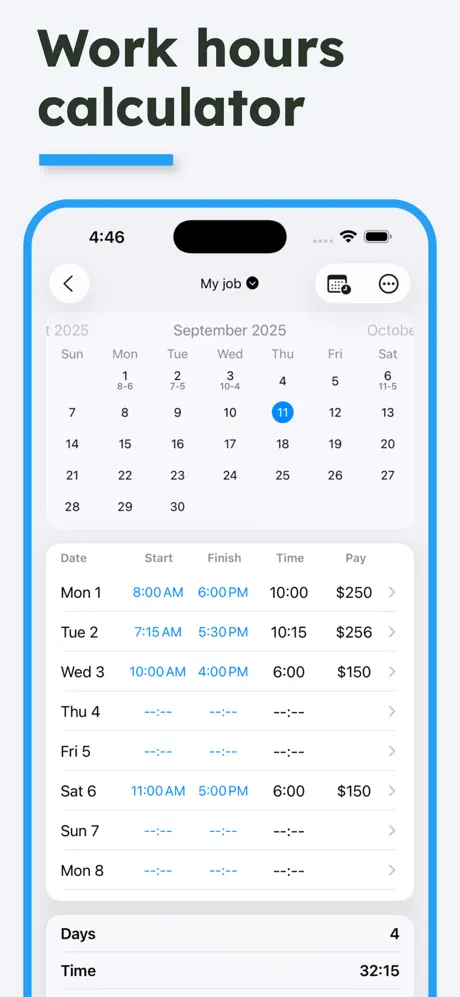
Work Hours Calculator
Use this work hours calculator to total a full week in one place. Enter when you started and finished each day, along with any unpaid break, and it works out your hours for each day and for the week. Add your hourly rate to see your estimated pay beside the hours.
Time Clock Calculator
If you clock in and out at work, this time clock calculator turns those punches into hours worked. Copy each clock-in and clock-out time into the Start and End columns and enter your break in minutes. Your entries are saved in your browser, and Export CSV gives you a copy for your records or your payroll team.
Understanding the Calculations
- Daily Hours - End time minus start time, minus break duration
- Total Hours - Sum of all daily hours worked
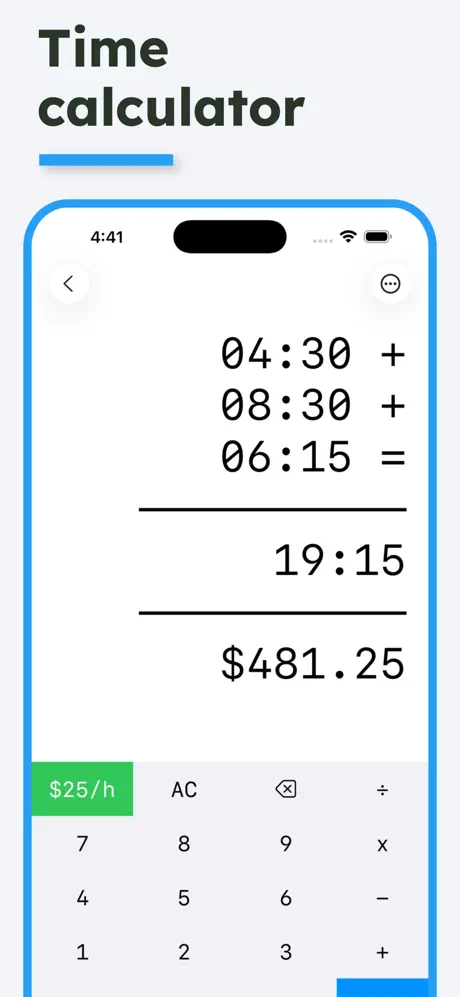
- Total Pay - Total hours × hourly rate
Time Card Tips
- Use 24-hour format (e.g., 17:00) or 12-hour format (e.g., 5:00 PM)
- Enter break time in minutes (e.g., 30 for a 30-minute lunch)
- Leave days blank if you didn't work that day
- Your data is saved automatically and will persist when you return
Common Work Schedules
- Standard Full-Time - 8 hours/day, 5 days/week = 40 hours
- Part-Time - 4-6 hours/day or fewer days per week
- Compressed Workweek - 10 hours/day, 4 days/week = 40 hours