A Rest Timer That Counts Your Sets
Rest between sets is the part of a workout people guess at most. Two minutes turns into four while you check your phone, or you cut a heavy set short at forty seconds because you feel ready when you aren't. This timer does one job: tap a rest length, and it counts you back in with an alarm. Every time a rest finishes, the set counter ticks up, so you also stop losing track of which set you're on.
How Long Should You Rest Between Sets?
It depends on what the set is for, and the research is reasonably consistent about the ranges:
- Heavy strength work (1-5 reps) - 3 to 5 minutes. The nervous system and phosphocreatine stores need it; cutting this short mostly costs you load on the next set.
- Hypertrophy (6-12 reps) - 1 to 2 minutes is the common prescription, though studies comparing 1 vs 3 minutes have tended to favour the longer rest for growth too.
- Endurance and high reps (15+) - 30 to 60 seconds, where the point is partly to work under fatigue.
- Supersets and circuits - little or no rest between exercises, then a longer break at the end of the round.
If you only remember one thing: rest longer than feels necessary on heavy compound lifts, and keep it honest and consistent on everything else.
How to Use It
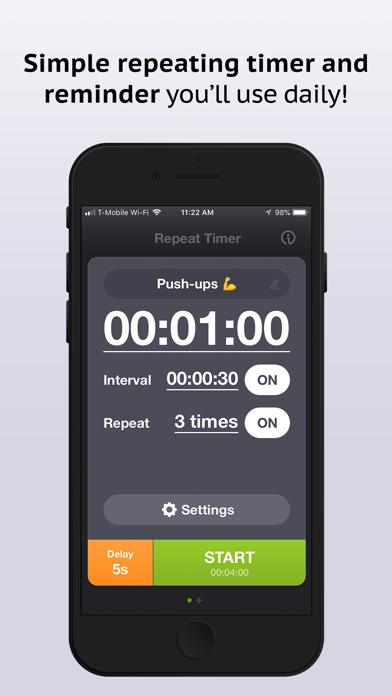
- Finish your set, then tap the rest length you want
- Press Start Rest - the countdown runs and the bar empties
- Get the alarm at zero, and the set counter moves on
- Press Start Rest again after the next set - the length stays where you set it
The − and + buttons adjust the set number by hand if you lose your place or start mid-workout.
Keep It Honest
The useful thing about a timer is that it removes the negotiation. Rest is the easiest variable in a programme to let drift, and it drifts in the direction of longer sessions and lighter effort. Setting it once at the start of an exercise and following it is most of the benefit.