Full-Screen Digital Countdown
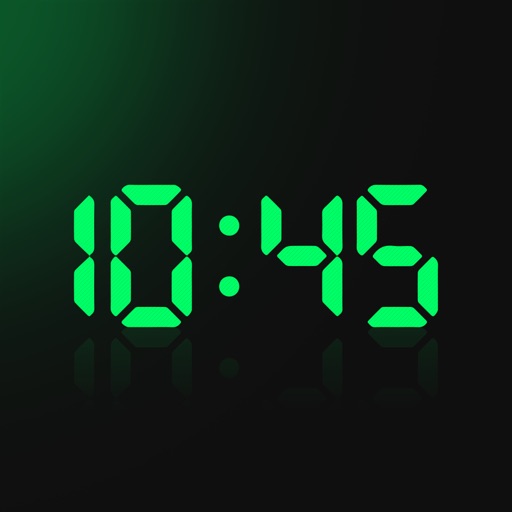
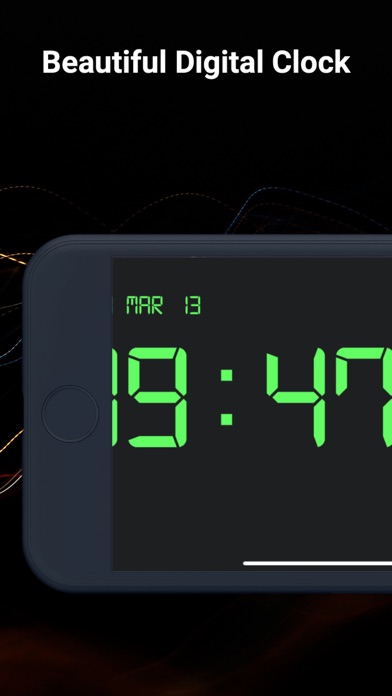
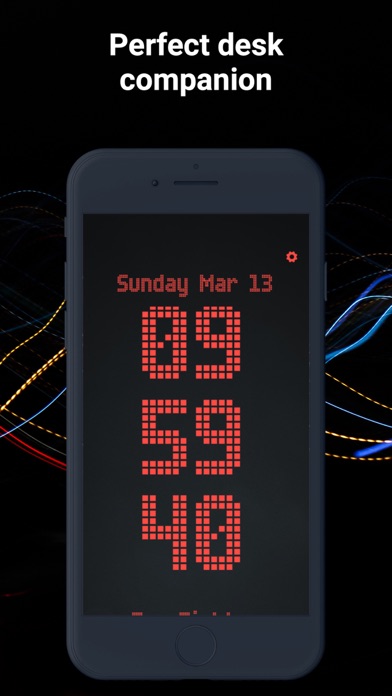
The Digital Timer is a stripped-back countdown with one job: show the time so large that anyone in the room can read it. The digits use a monospaced LED-style typeface with a soft red glow, scale to fill the screen, and stay fixed-width so the numbers don't shift left or right as the seconds tick down.
How to Use
- Pick a duration - Tap one of the presets (1m, 3m, 5m, 10m, 15m, 25m, 30m, 1h) or type a custom time in the input. Accepts plain minutes (e.g.
7),m:ss(e.g.1:30), orh:mm:ss(e.g.1:00:00). - Start - Click Start, click the digits, or press the Space bar.
- Go fullscreen - Click the ⛶ button or press F to fill the entire screen with the countdown. Press Esc to exit.
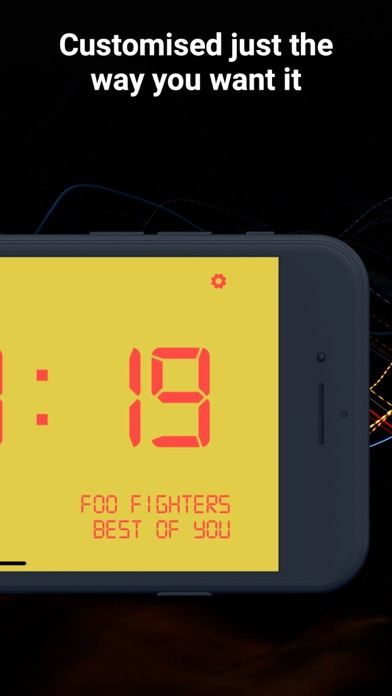
- Change the color - Use the color picker if red doesn't suit your room or your brand.
What It's For
- Classrooms - A countdown the back row can read without squinting
- Conference rooms and presentations - Project the timer behind you to keep talks on schedule
- Gyms and CrossFit boxes - Big WOD clock on the wall display
- Events and workshops - Visible from across the room
- Streaming and broadcast - Drop into OBS as a browser source for a clean countdown overlay
- Exam rooms - Everyone sees the same clock, no wristwatch envy
Why the Digits Stay the Same Width
Real seven-segment LED clocks use fixed-width digits so the display doesn't visibly jump every second. This timer mimics that by using a monospaced typeface and CSS tabular-nums, so 1 takes the same space as 8. The result is a clock that ticks down smoothly without the layout shifting underneath it.
Tips
- Fullscreen + a dark room = the digits read clearly from 20+ metres away on a typical projector or TV
- Need a smaller digital clock on the side of your screen instead? Use the standard countdown timer in a narrow browser window.
- Want a circular timer instead? Try the visual timer or the interactive timer.