Ticking Timer - Free Online Countdown Clock

5:00

About the Visual Timer

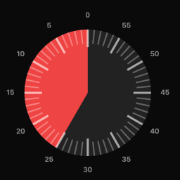
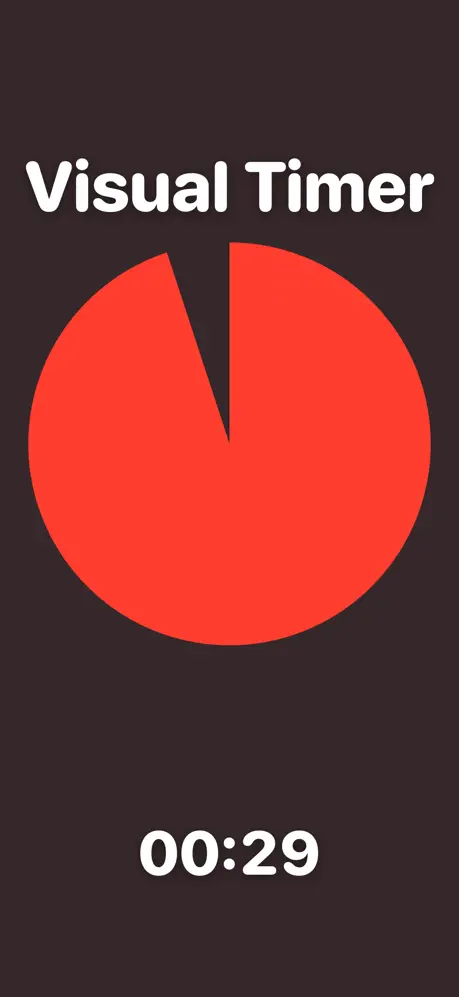
Our free visual countdown timer displays time remaining as a shrinking colored disc. Unlike traditional digital timers that show numbers counting down, the visual timer lets you see at a glance how much time is left without reading anything. The colored area shrinks clockwise, providing an intuitive sense of time passing.

Perfect For

  • Classrooms - Help students manage time during tests, activities, and transitions
  • Focus sessions - Use timeboxing to boost productivity and avoid burnout
  • Cooking - Time recipes without constantly checking the clock
  • Presentations - Keep talks on schedule with a visual countdown
  • Kids - Children understand the shrinking circle even before they can read clocks
  • Workouts - Time exercises, rest periods, and intervals

How to Use

  1. Set the time - Click or drag anywhere on the circle to set duration (up to 60 minutes)
  2. Start - Click Start or press Space
  3. Watch - The colored area shrinks clockwise as time passes
  4. Alert - A sound plays when time is up

Features

  • Customizable colors - pick any color you like
  • Add background images
  • Built-in task list
  • Works on all devices
  • No sign-up required

Free Online Ticking Timer

This is a clean, simple ticking timer you can use right in your browser - no apps, no downloads, no sign-up. Set a duration, hit start, and the clock begins ticking down second by second. The shrinking colored ring gives you a clear visual countdown alongside the digital display, so you can feel time passing at a glance.

Why a Ticking Timer?

A ticking timer adds gentle pressure that helps you focus. Unlike a static deadline that you check every few minutes, a timer that visibly ticks down keeps your attention on the task. It's the same psychology behind game shows, exam clocks, and the classic Pomodoro technique - the visible motion of time creates a sense of urgency that motivates action.

Perfect For

How to Use the Ticking Timer

  1. Pick a duration - Tap a preset (5, 10, 15, 25, 30, 45, or 60 minutes) or type any custom time like 3:30
  2. Press Start or hit Space to begin the countdown
  3. Watch it tick - The digital clock counts down each second while the colored ring shrinks
  4. Hear the alarm - An audio alert sounds when time runs out
  5. Reset to run it again at the same duration

Features

Popular Ticking Timer Durations

Jump straight into one of the most-used durations:

Ticking Timer vs. Other Timers

Tips for Getting the Most From a Ticking Timer

Frequently Asked Questions

Does this ticking timer make a tick-tock sound?

The clock shows a visible second-by-second tick on the display, and an audio alarm plays at the end. There is no continuous tick-tock sound effect during the countdown - we keep the timer silent so it works in classrooms, libraries, and shared spaces without disturbing anyone. If you want ambient ticking, play a clock-tick audio track in another tab.

Can I set seconds, not just minutes?

Yes. In the custom input box, type something like 1:30 for one minute thirty seconds, or 0:45 for forty-five seconds.

Will the timer keep ticking if I switch tabs?

Yes - the timer keeps running based on the actual elapsed time, so the countdown stays accurate even if you switch tabs or minimize the window. The audio alarm and notification will fire when time runs out.

Is it free?

Completely free, with no sign-up, no account, and no premium tier. Bookmark the page and you're set.

Will it work on my phone or iPad?

Yes. The ticking timer works on any modern browser - phones, tablets, Chromebooks, smartboards, and desktops.

Contact Us