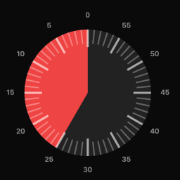
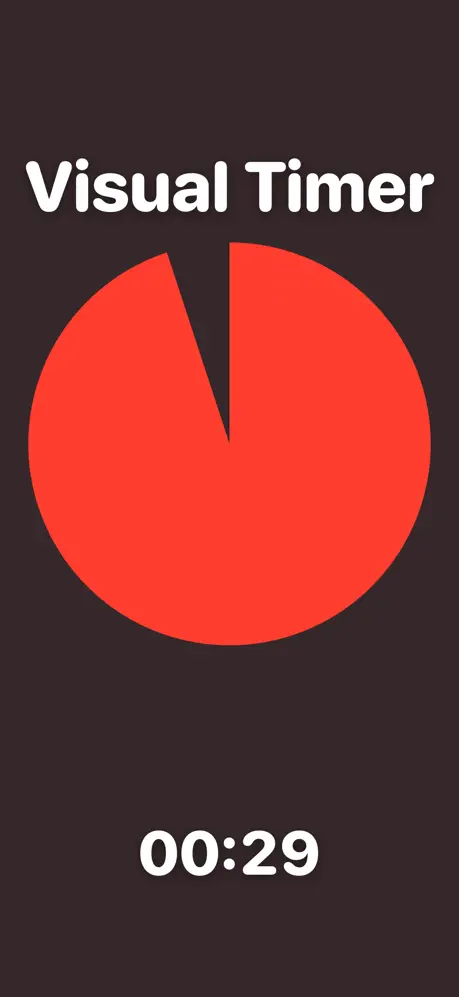
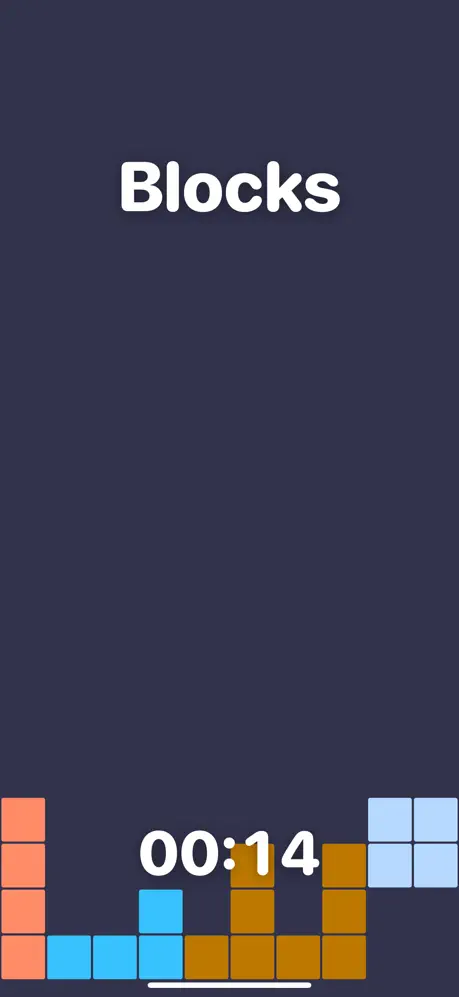
How to Embed the Timer
- Pick your settings — duration, color, theme, and whether it starts automatically.
- Copy the embed code — one self-contained
<iframe>line. - Paste it into your page — anywhere HTML embeds are allowed.
Where It Works
- Google Sites — Insert → Embed → "Embed code", paste the iframe
- Notion — type
/embedand paste just the timer URL - Moodle, Canvas, Schoology — use the HTML editor view and paste the iframe
- WordPress — add a Custom HTML block and paste
- Wix / Squarespace — add an Embed / Code block
- Any website — paste the iframe into your HTML
Google Slides and Docs don't support live iframes — for presentations, open the full-screen visual timer in a second window instead, or share a timer link with the duration preset.
Why Teachers Embed Timers
A timer embedded directly in the lesson page means no tab-switching during class: the countdown lives next to the instructions. Common uses are station rotations on a Google Site, timed writing prompts in an LMS assignment, brain breaks on a class homepage, and quiet-time timers on a classroom dashboard. The widget is plain HTML — it loads fast, works on interactive whiteboards, and doesn't track anyone.
FAQ
Is it really free?
Yes — free for any number of embeds, no signup, no watermark fees. The widget carries a small visualtimer.com link.
Can I change the timer after embedding?
The settings live in the URL, so just generate a new code here and replace the old one — or edit the t=, color=, and theme= parameters directly.
Does autostart play sound?
The countdown starts immediately, but browsers block audio until the visitor interacts with the page — so the final beep may be silent unless someone has clicked inside the widget first.
Can visitors control the embedded timer?
Yes — it has Start/Pause and Reset buttons, exactly like the timers on this site.