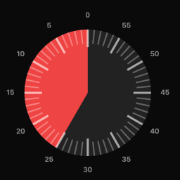
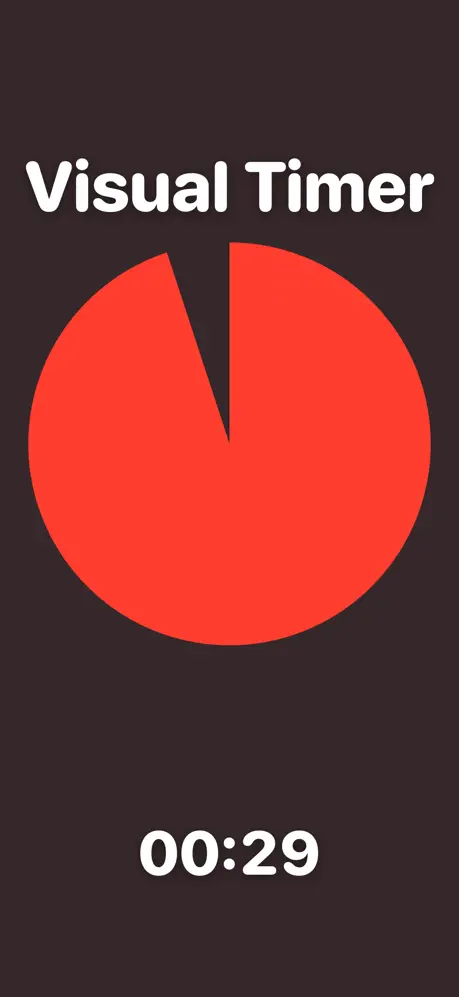
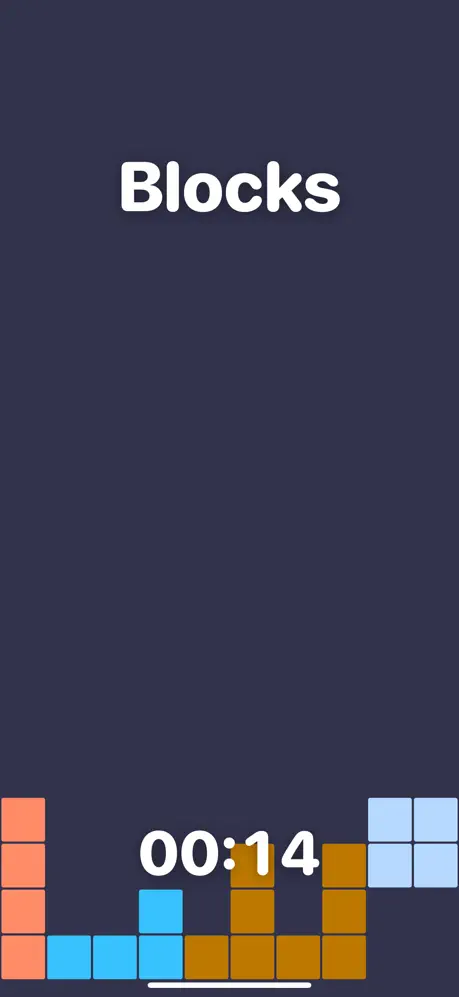
A distraction-free timer for the whole room
Type whatever you want shown in big letters — "Exam in Progress", "Reading Time", "Silent Work", "Break ends in", a student's name, anything — set the minutes, and press Start & go fullscreen. The timer takes over the entire screen with just your message and the countdown, so a projector, whiteboard or shared monitor shows nothing but the time remaining.
Controls
- Start & go fullscreen — begins the countdown and fills the screen.
- Space or a tap/click — pause and resume.
- Esc — leave fullscreen (the timer keeps running in the normal view).
- When time runs out the screen flashes and an alarm sounds until you reset.
Good for
- Exams and timed tests, with a clear "time remaining" everyone can read
- Classroom activities, reading time, and silent work
- Presentations, workshops and breakout sessions
- Any time you want a big, clean countdown with no clutter
Need a multi-section practice timer instead? Try the exam timer. Or browse all timers.