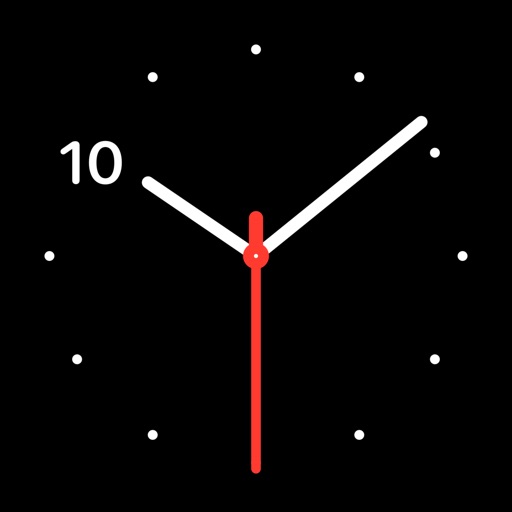
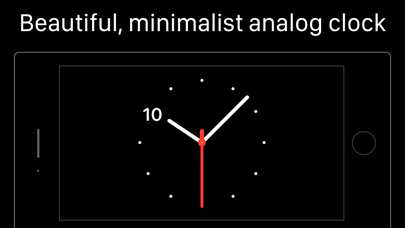
A Large Online Clock for Any Wall
Put it on a projector, an interactive whiteboard, a spare monitor, or a tablet propped on a shelf — in fullscreen mode the clock scales to fill the screen and stays perfectly readable across a classroom. It shows your device's current time with a continuously sweeping second hand, and follows the site's light or dark theme (the ☾ toggle in the header) so it looks right in a bright room or a dim one.
Make It Yours
- Numbers off — a minimalist wall clock with just ticks and hands
- Second hand off — calmer, for focus environments
- Digital time on — analog and digital side by side, ideal for children cross-checking as they learn to read the clock face
More Clock Faces
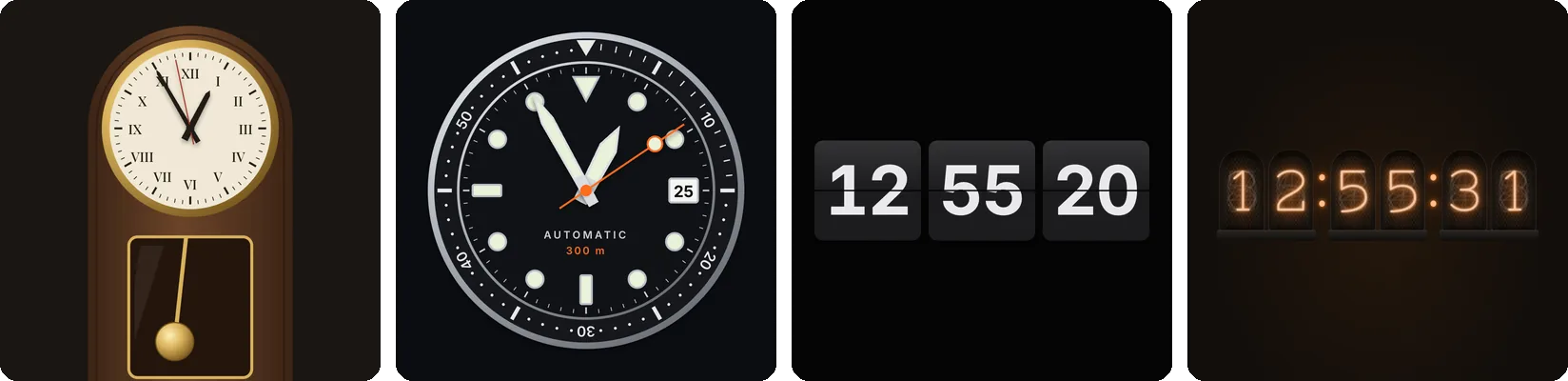
Want a different look? ClockFaces has dozens of free full-screen clock designs, including a classic wall clock, a pendulum clock and a dive watch, with your own colors, fonts and time zone.
If you're teaching the clock rather than just displaying it, the teaching clock has draggable hands, time-in-words, and a quiz mode.
FAQ
What time does the clock show?
Your device's local time — the same time your phone or computer shows, updated live.
Does it work offline?
Yes — once the page is loaded, the clock runs from your device's own clock with no internet needed.
Why does the second hand sweep instead of tick?
It moves continuously, like a high-end mechanical watch — easier on the eyes on a big screen. Turn it off entirely if you prefer a calmer face.