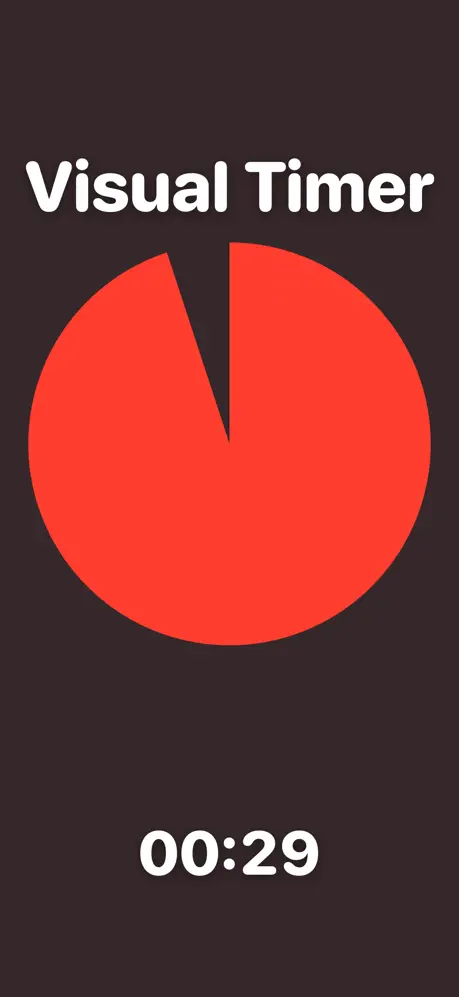
Interactive Timer
Tap the clock or use the +/- buttons to add or remove time, even while the timer is running.
25:00
Tap the clock or use the +/- buttons to add or remove time, even while the timer is running.
An interactive timer lets you change the time while it is running. Tap anywhere on the clock to jump to a new remaining time, or use the quick +10s, +30s, +1m buttons (and their minus counterparts) to add or shave off time without stopping the countdown. The visual ring continues shrinking smoothly so children, students, and audiences can still see the time at a glance.
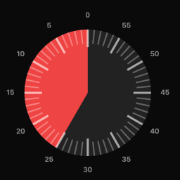
The visual countdown timer from VisualTimer.com, now as a native app. Watch time disappear with a clean animated display — made for classrooms, focus sessions, workouts, and presentations.