About the Timer Emoji
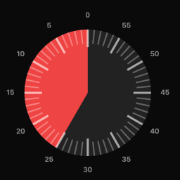
The official timer emoji is ⏲️ Timer Clock (Unicode U+23F2), the little kitchen-timer dial. Around it lives a whole family of time emojis: the ⏱️ stopwatch for measuring elapsed time, the ⏰ alarm clock for wake-ups and reminders, the 🕰️ mantelpiece clock for a vintage feel, the ⌚ watch, and the two hourglasses — ⏳ still running and ⌛ time's up. There's also a clock face emoji for every hour and half-hour of the day, from 🕛 twelve o'clock to 🕦 eleven-thirty.
How to Use Them
- ⏲️ Timer Clock — "dinner in 20 ⏲️", cooking, countdowns
- ⏱️ Stopwatch — races, speedruns, "new PB ⏱️"
- ⏰ Alarm Clock — deadlines, wake-up calls, "don't be late ⏰"
- ⏳ Hourglass (not done) — waiting, loading, "almost there ⏳"
- ⌛ Hourglass (done) — time's up, offer expired
- 🕐 Clock faces — pointing at a specific hour: "meeting at 🕒"
- 1️⃣2️⃣3️⃣ Keycap numbers — build any time, score, or countdown: 0️⃣5️⃣:0️⃣0️⃣
FAQ
What is the timer emoji called?
⏲️ is officially named "Timer Clock" in the Unicode standard (code point U+23F2). It was added in Unicode 6.0 (2010) and became an emoji in Emoji 1.0 (2015).
What's the difference between ⌛ and ⏳?
⏳ has sand still flowing — something is in progress. ⌛ has all the sand at the bottom — the time is up. Pick the one that matches your message.
How do I type a timer emoji without copying it?
On a Mac, press Ctrl + Cmd + Space and search "timer". On Windows, press Win + . and search. On iPhone and Android, open the emoji keyboard and search "timer", "clock", or "hourglass".
Can I make a real countdown out of emojis?
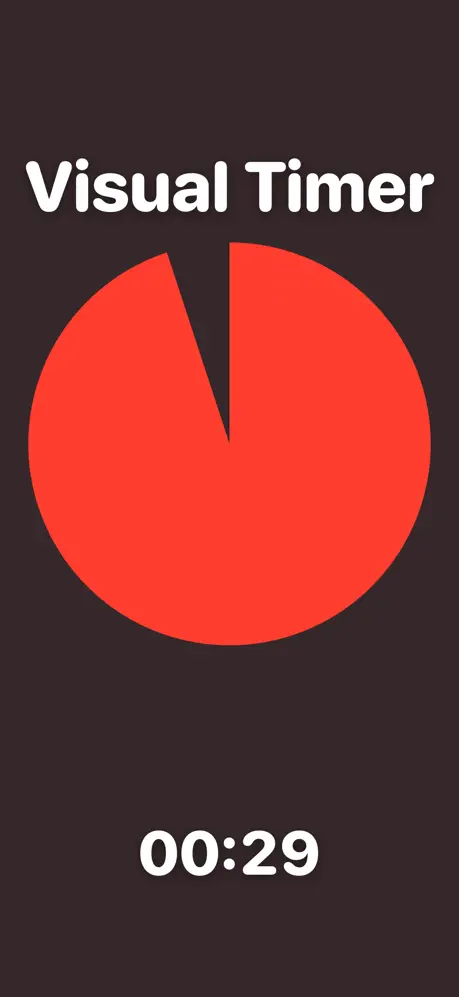
Yes — that's what the emoji timer above does. It counts down for real, shows the remaining time as keycap number emojis, and lets you copy the current emoji time with one tap.