Run Several Timers at the Same Time
This multiple timers tool lets you run several countdown timers at once in a single browser tab. Each timer is completely independent, so you can start, pause and reset them separately — and every timer sounds its own alarm when it finishes. It is the countdown companion to our multi stopwatch, which counts up instead of down.
How to Use Multiple Timers
- Add timers — Click “+ Add Timer” for each task you want to track.
- Label them — Click the name field and type a label so you can tell your timers apart.
- Set a duration — Type a time like
5:00, or tap a preset. A plain number is read as minutes. - Start — Start each timer individually, or press “Start All” to launch them together.
- Get alerted — When a timer hits zero it flashes and plays an alarm; the others keep running.
Perfect For
- Cooking — Time the pasta, the sauce and the oven all at once, each labelled clearly.
- Classrooms — Run different timers for group rotations or station work happening in parallel.
- Workouts — Track work and rest intervals for more than one exercise or person.
- Studying — Keep separate timers for focus blocks, breaks and specific subjects.
- Games & quizzes — Give each team its own labelled countdown.
- Multitasking at work — Watch several tasks, calls or breaks at the same time.
Multiple Timers With Labels
Labels are what make several timers usable at once. Instead of guessing which countdown is which, give each one a name that matches the task. Your labels and durations are stored locally in your browser, so when you come back your setup is ready to go — no account required.
Timers That Run in the Background
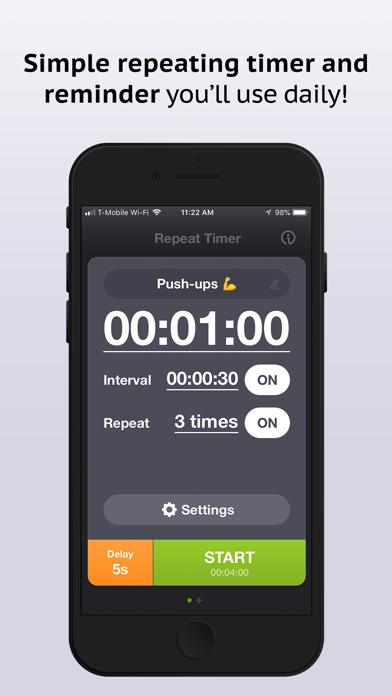
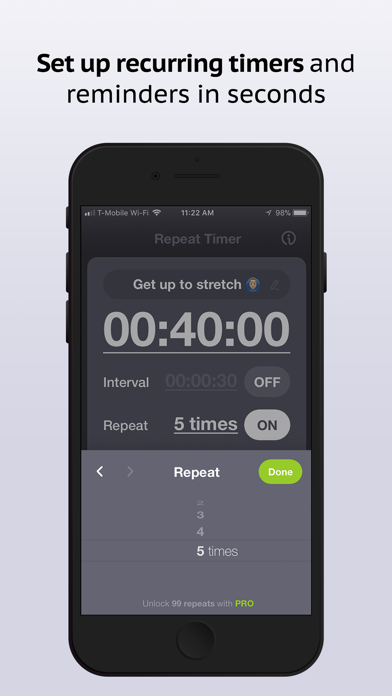
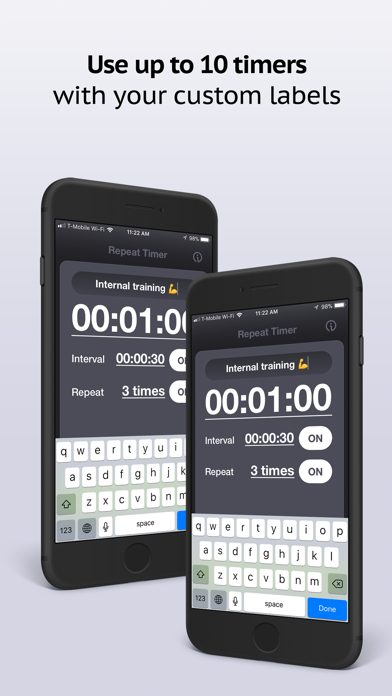
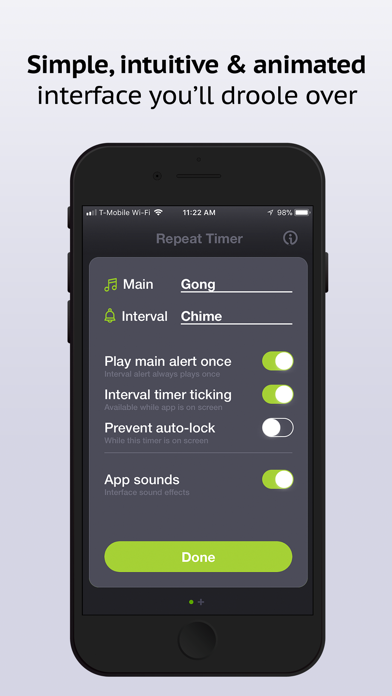
Because these timers live in the browser tab, they need the tab to stay open. If you want multiple timers that keep alerting even when your phone is locked or you switch apps, the free Repeat Timer app for iPhone and iPad runs multiple interval timers with background alerts, custom sounds and vibration.