Visual Timer for Chrome
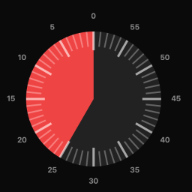
A classic visual countdown — a colored disk that melts away as time passes — living in your browser's side panel, so it stays in view while you work.
Add to Chrome — it's free No account. No tracking. Works offline.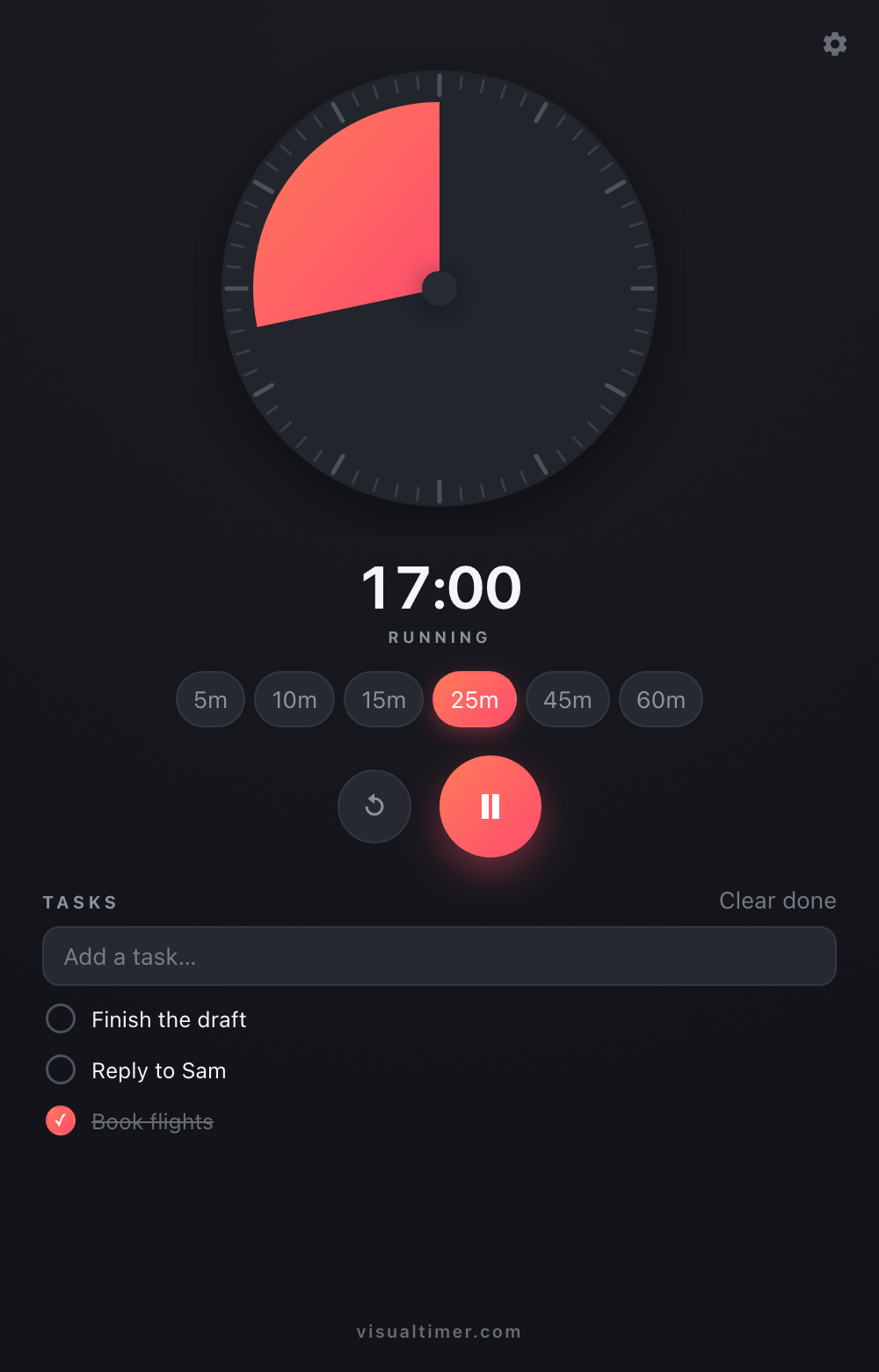
Set it in seconds
Spin the dial with your mouse like a kitchen timer, tap a preset (5–60 minutes), or click the time and type anything up to 12 hours — 90, 12:30, or 1:30:00.
See time, don't read it
The remaining time is a coral wedge that drains as the timer runs — glanceable from across the room. Prefer a dial that starts full every time? Turn on proportional mode.
A tiny task list
Jot down what the timer is for and check tasks off as the color drains. Done items sink to the bottom, and tasks persist between sessions.
Never miss the end
Close the panel and the timer keeps running — the toolbar badge counts down, and a gentle chime plus a notification tell you when time's up.
Private by design
Visual Timer collects nothing. No account, no analytics, no network requests — your timers, tasks, and settings stay on your device. Read the privacy policy.