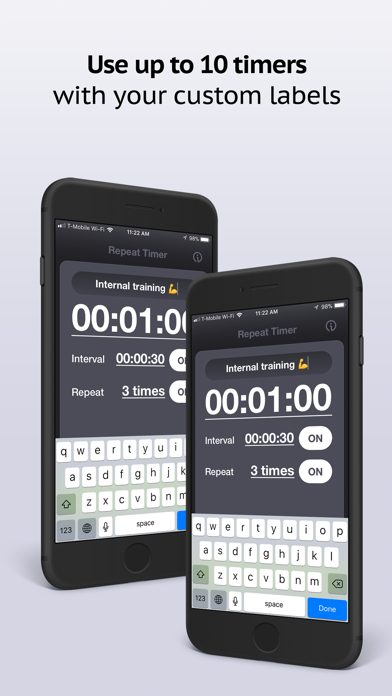
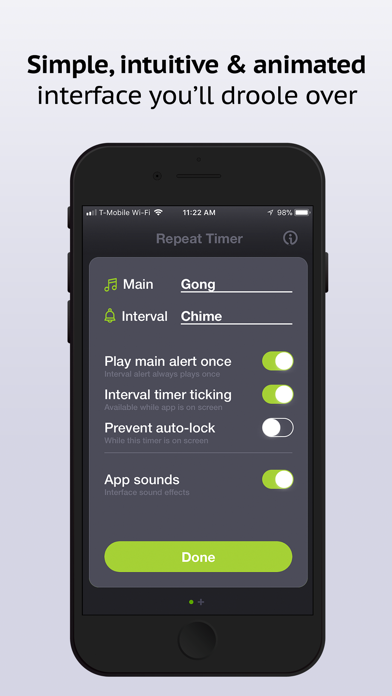
About the Repeat Timer
The repeat timer automatically restarts after each countdown completes, making it perfect for any activity that requires regular intervals. Set your duration once, and the timer will keep cycling until you stop it or reach your target number of repetitions.
Loop Timer for Continuous Cycles
Unlike a standard countdown timer, our loop timer continues indefinitely or for a set number of cycles. Each time the countdown reaches zero, an alert sounds and the timer automatically resets and starts again. This hands-free operation means you can focus entirely on your activity without constantly resetting timers.
Perfect For
- Interval training (HIIT) - Set work and rest periods that repeat automatically
- Stretching routines - Hold each stretch for the same duration with automatic progression
- Meditation - Use repeating bells or chimes at regular intervals
- Cooking - Stir every few minutes, flip at intervals, or check progress regularly
- Medication reminders - Get alerts at consistent intervals throughout the day
- Pomodoro variations - Create custom work/break cycles
- Study sessions - Take regular breaks to maintain focus
- Physical therapy - Repeat exercises for a set number of reps with timed holds
- Presentations - Keep track of time for each section or speaker
- Planks and exercises - Time your sets with automatic rest periods
How to Use
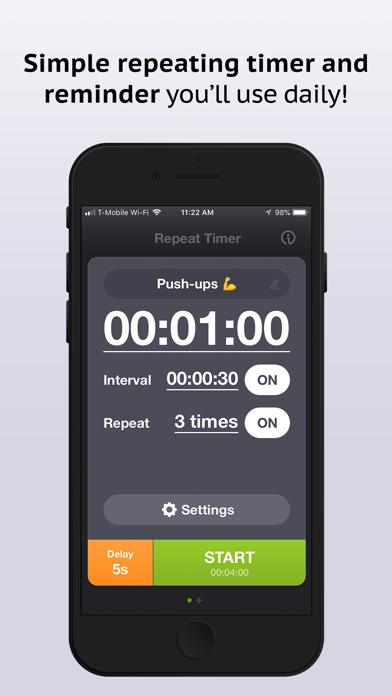
- Set the duration - Enter minutes and seconds for each cycle
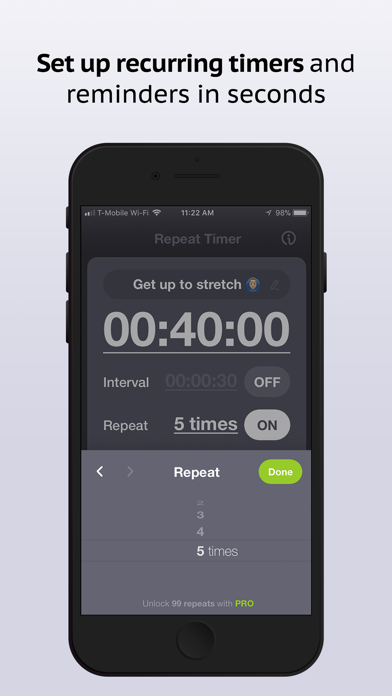
- Choose repetitions - Select "Forever" for continuous looping, or pick a specific number of cycles
- Click Start - The timer begins counting down
- Listen for alerts - A sound plays when each cycle completes
- Track your progress - The cycle counter shows which repetition you're on
- Stop anytime - Click Stop to pause, or Reset to start over
Features
- Automatic restart after each cycle
- Unlimited repetitions or set a specific number
- Audio alert at the end of each cycle
- Cycle counter to track progress
- Works in the background
- No sign-up required
- Completely free to use
Tips for Effective Use
- For HIIT, create separate timers for work and rest periods
- Use shorter intervals (30-60 seconds) for high-intensity activities
- Longer intervals (5-10 minutes) work well for study breaks or reminders
- Keep the browser tab open or use the iOS app for background alerts
- Combine with a task list to track what to do during each interval