About the Multi Stopwatch
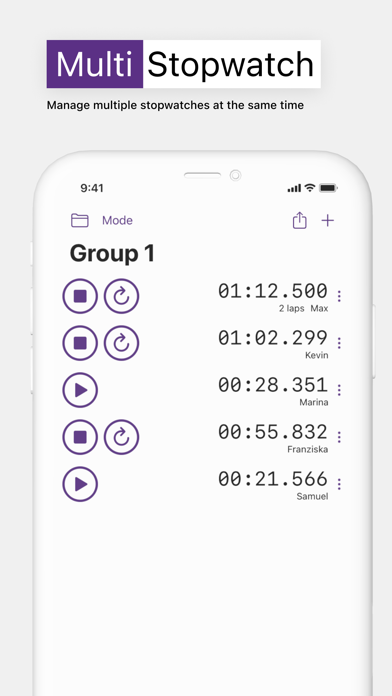
The multi stopwatch tool allows you to time multiple people or activities simultaneously. Each stopwatch operates independently, so you can start, stop, and record times for different participants without affecting the others.
Perfect For
- Coaches - Time multiple athletes during practice, tryouts, or time trials
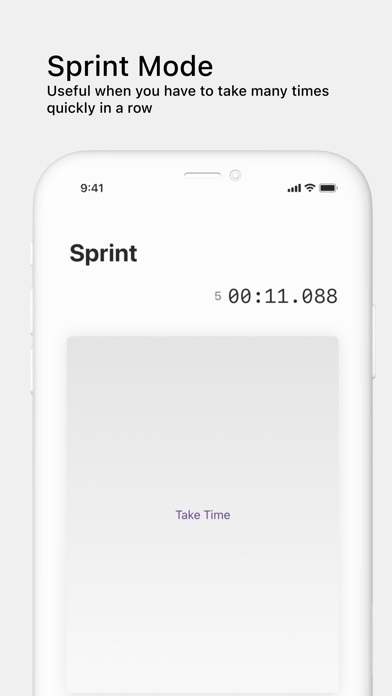
- Race organizers - Record finish times as runners cross the line one after another
- Group fitness - Track different participants during HIIT, circuit training, or CrossFit
- Science experiments - Time multiple trials or reactions happening simultaneously
- Board games - Track thinking time or turn time for multiple players
- Cooking - Time multiple dishes with different cooking times
- Debates and presentations - Ensure fair speaking time for multiple participants
- Relay races - Time each leg of a relay with automatic handoffs
How to Use
- Add stopwatches - Click "+ Add Timer" to create additional stopwatches
- Name them - Click on each timer's name field to label it (e.g., participant names)
- Start timing - Click the start button on individual timers, or use "Start All"
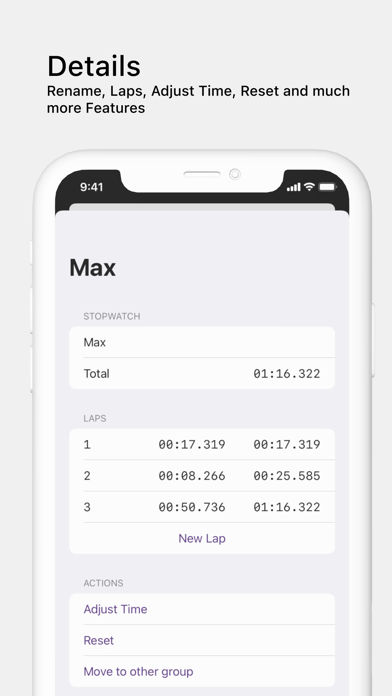
- Record times - Stop timers as participants finish
- Use keyboard shortcuts - Press 1-9 to quickly toggle timers
- Export results - Click "Export" to download all times as a CSV file
Relay Mode (One at a Time)
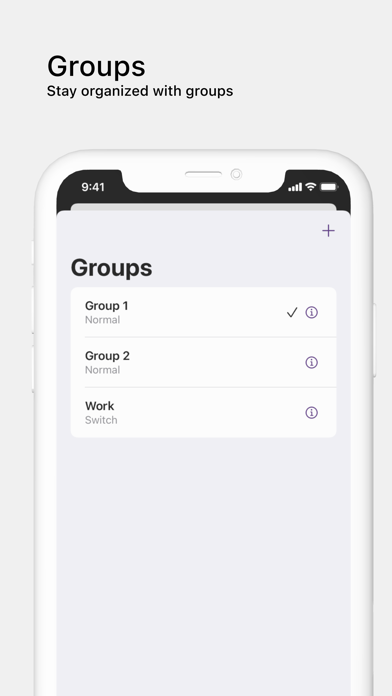
Enable the "One at a time" checkbox for relay-style timing. In this mode, starting one stopwatch automatically stops all others. This is useful for:
- Relay races where you time each runner's leg
- Turn-based activities where only one person should be timed
- Sequential tasks where you want to track time spent on each phase
Tips for Coaches
- Set up all athlete names before practice begins
- Use keyboard shortcuts for faster timing during fast-paced events
- Export data after each session to track progress over time
- Project on a screen so athletes can see their times
- Use relay mode for interval training where athletes rotate through stations