About the Flip Clock
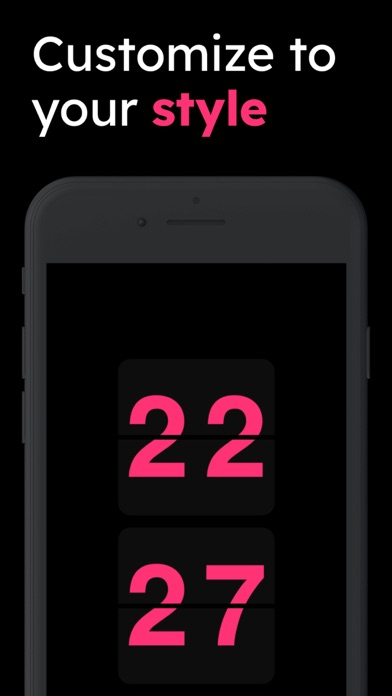
Experience the nostalgic charm of a classic flip clock, also known as a split-flap display. This digital recreation captures the satisfying mechanical flip animation of vintage clocks and airport departure boards. Each digit flips with a smooth animation as the time changes.
Three Modes
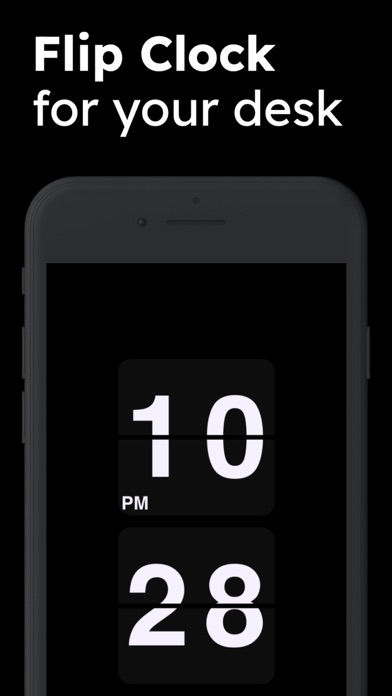
- Clock Mode - Displays the current time with hours, minutes, and seconds. Perfect as a desk clock or ambient display.
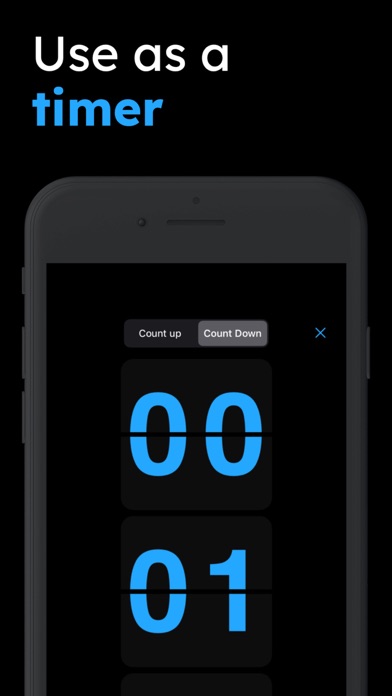
- Timer Mode - Countdown timer with preset durations. Watch the numbers flip down to zero.
- Stopwatch Mode - Count up from zero to track elapsed time with the classic flip aesthetic.
Perfect For
- Desktop displays - Use as a stylish desk clock on your computer
- Presentations - Add visual interest to talks and meetings
- Streaming - Great for OBS overlays and live streams
- Ambient displays - Project on a wall or TV for a retro aesthetic
- Focus sessions - The flip animation provides satisfying feedback during work sessions
- Photography studios - Use as a prop or background element
History of Flip Clocks
Flip clocks, also called split-flap displays, became popular in the 1950s and 1960s. They use a series of cards or flaps that flip down to reveal the next digit. The mechanical sound and motion made them iconic fixtures in homes, offices, and transportation hubs. While largely replaced by digital displays, flip clocks remain beloved for their distinctive aesthetic and the satisfying rhythm of their operation.
Features
- Authentic flip animation for each digit
- Three modes: Clock, Timer, and Stopwatch
- Preset timer durations (1, 5, 10, 25 minutes)
- Custom timer input
- Responsive design for all screen sizes
- Works on all devices
- No installation required
How to Use
- Clock Mode - Opens by default, showing the current time
- Timer Mode - Select a preset or enter custom minutes, then click Start
- Stopwatch Mode - Click Start to begin counting up, Stop to pause, Reset to clear