What is EMOM?
EMOM stands for "Every Minute On the Minute" - a popular interval training format used in CrossFit and functional fitness. At the start of each minute, you perform a prescribed number of reps or exercise, then rest for the remainder of that minute. When the next minute begins, you start again.
How to Use This EMOM Timer
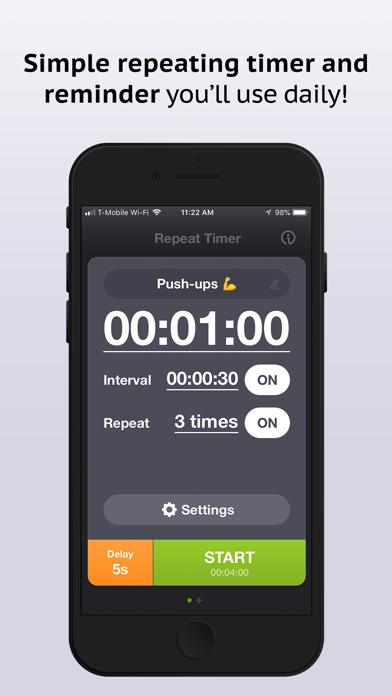
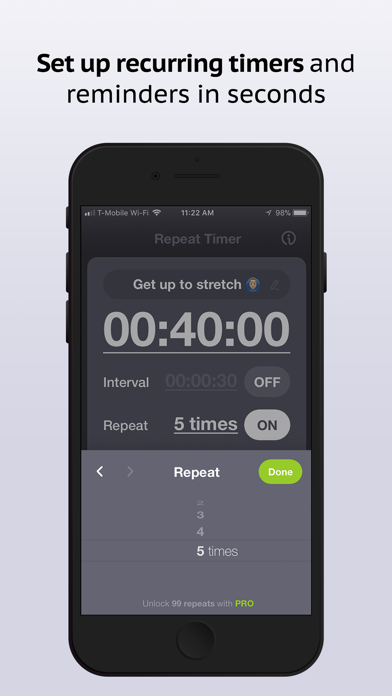
- Set the duration - Choose how many minutes your EMOM will last (e.g., 10, 15, or 20 minutes)
- Set the interval - Standard EMOM uses 60-second intervals, but you can customize this
- Optional: Set work time - Enable work/rest split to see when your work period ends
- Press Start - A beep signals each new minute
- Perform your reps - Complete your prescribed work, then rest until the next beep
EMOM Workout Examples
- 10 min EMOM - 10 burpees every minute
- 12 min EMOM - Alternating: odd minutes 15 kettlebell swings, even minutes 10 push-ups
- 15 min EMOM - 5 pull-ups + 10 squats every minute
- 20 min EMOM - 3 power cleans + 6 push jerks every minute
- E2MOM (Every 2 Minutes) - Set interval to 120 seconds for longer work periods
Benefits of EMOM Training
- Built-in rest - Faster reps = more rest, encouraging intensity
- Easy to track - Know exactly how many rounds and reps you completed
- Scalable - Adjust reps or weight to match your fitness level
- Time-efficient - Get a complete workout in a set timeframe
- Versatile - Works for strength, cardio, or skill practice
Tips for EMOM Workouts
- Choose wisely - Pick a rep scheme that gives you 15-20 seconds rest minimum
- Pace yourself - Start conservatively; fatigue builds quickly
- Scale as needed - Reduce reps if you can't complete the work within the minute
- Use the rest - Catch your breath and prepare for the next round
- Track progress - Note which minute you started struggling for future reference